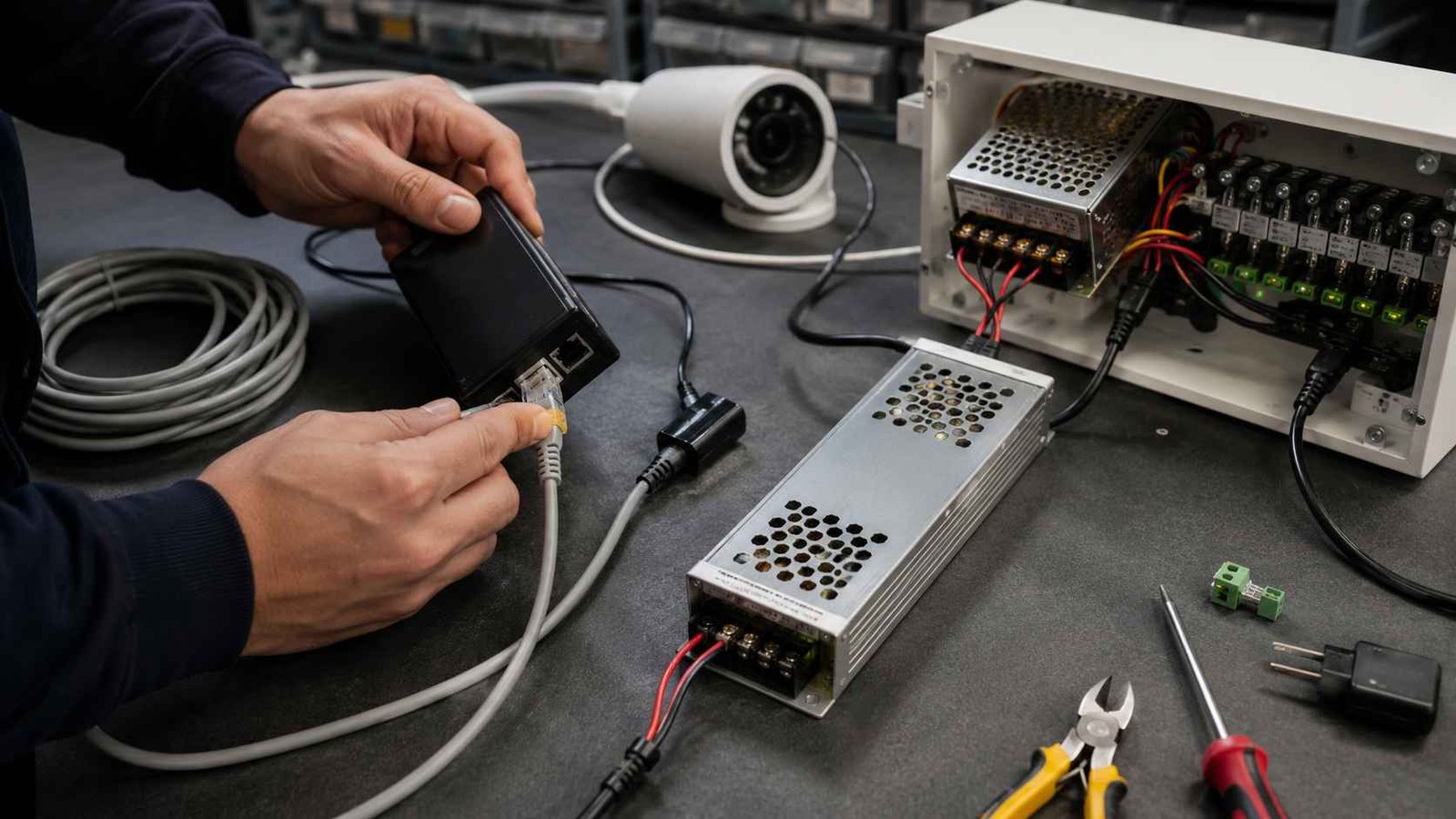


When designing a security installation — whether a home CCTV system, a small office access-control How to Choose the Right Power Supply for CCTV, Access Control and Security Devices
Security systems look simple from the outside, but their power supply requirements are often more complicated than expected. A CCTV camera, access control lock, alarm module, wireless sensor, PoE device or small security controller may use different voltage levels, current demands, connector types and installation methods.
Many field problems are not caused by the camera, reader or controller itself. They come from an undersized power adapter, long cable voltage drop, wrong polarity, insufficient startup current, poor heat dissipation or a power supply that was selected only by looking at the output voltage. A device may work during testing but fail after installation, especially when infrared LEDs, door locks or multiple devices operate at the same time.
This guide explains how to choose the right power supply for CCTV, access control and security devices, including 12V cameras, 24V control systems, PoE equipment, centralized security power supplies and small 3V / 5V / 6V low-power devices.
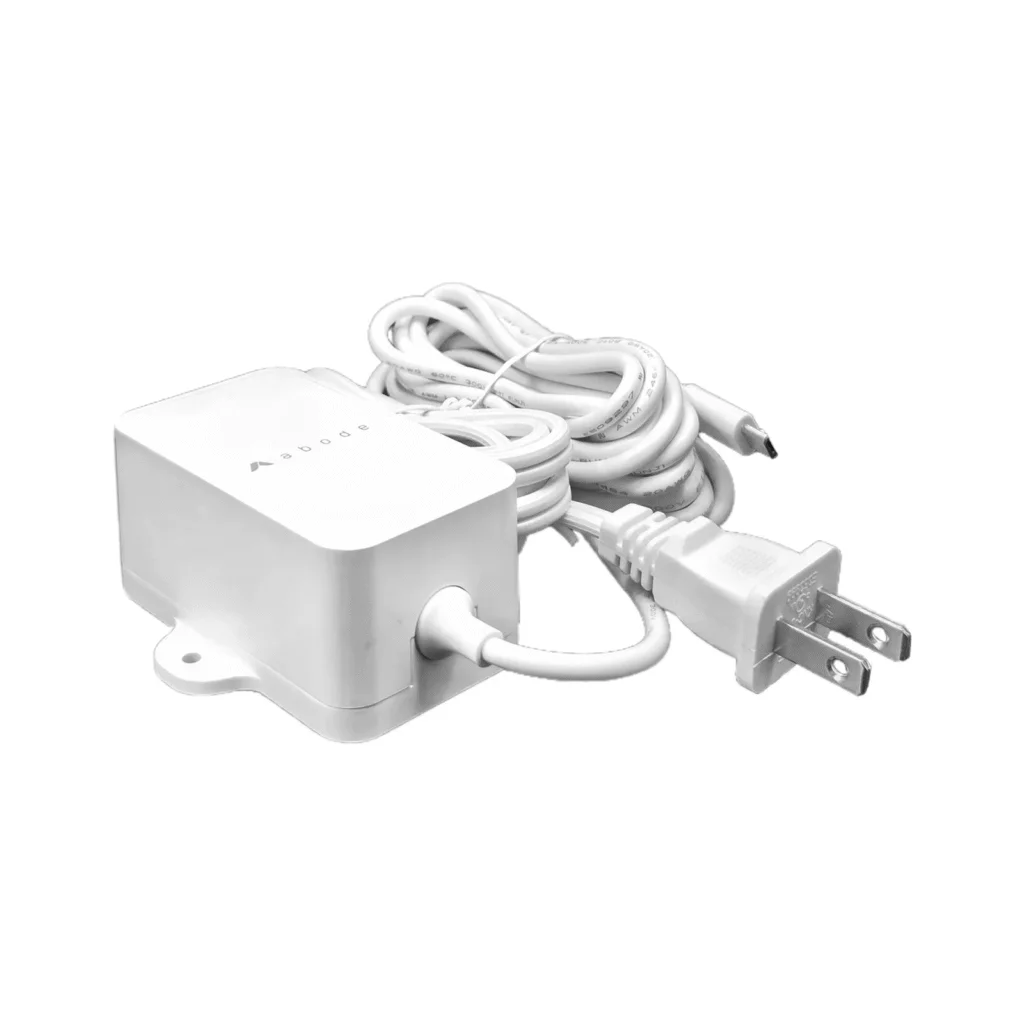
Table of Contents
- 1. Start with the actual security device load
- 2. Match the correct voltage: 3V, 5V, 6V, 12V, 24V or PoE
- 3. Calculate current and leave enough margin
- 4. CCTV cameras: pay attention to infrared night mode
- 5. Access control systems: check lock current and peak load
- 6. PoE power supply: confirm standard, wattage and cable distance
- 7. When 3V, 5V or 6V adapters are suitable
- 8. Cable length and voltage drop in security installations
- 9. Centralized power supply or individual adapter?
- 10. Connector, polarity and cable details
- 11. Protection, heat and reliability checks
- 12. Certification and target market requirements
- 13. Security power supply selection checklist
- 14. FAQ
1. Start with the actual security device load
The first step is to list every device that will be powered by the same supply. In a security system, this may include CCTV cameras, infrared cameras, NVR accessories, door controllers, card readers, electric strikes, magnetic locks, alarm panels, motion sensors, sirens, wireless gateways and small control modules.
Each device should be checked for three values: rated voltage, normal operating current and peak current. The peak current is often missed, but it matters in real installations. Cameras may draw more current when infrared LEDs turn on at night. Door locks may draw a higher current during activation. Alarm sirens and relays may also create short current peaks.
If a power supply is selected only according to the normal working current, the system may pass a simple test but become unstable during real operation. Typical symptoms include camera rebooting, video flicker, weak lock action, controller reset, relay noise, alarm faults or intermittent offline devices.
2. Match the correct voltage: 3V, 5V, 6V, 12V, 24V or PoE
Voltage must match the device requirement. A 12V CCTV camera should not be powered by a 24V supply unless the device clearly supports that input range. A 5V sensor should not be connected to a 12V adapter. Incorrect voltage can damage the circuit immediately or shorten the service life of the device.
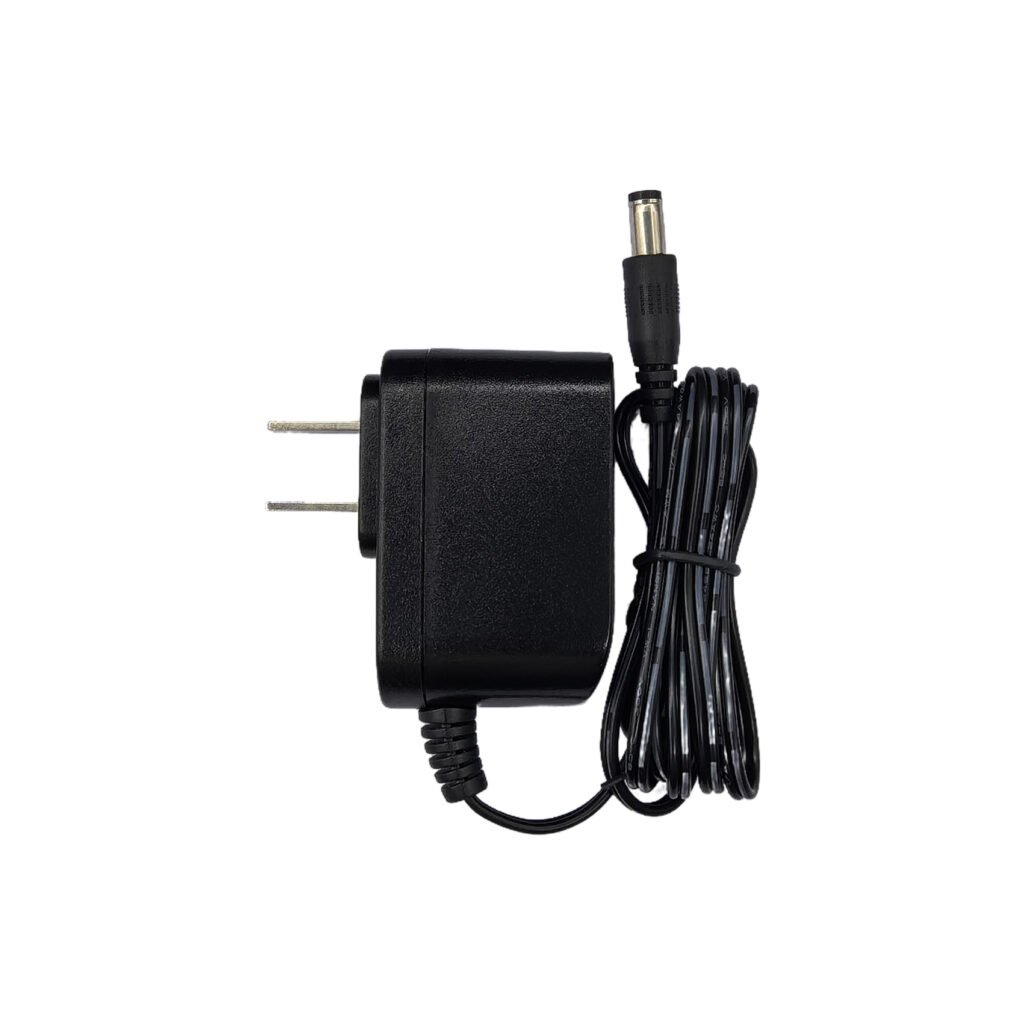
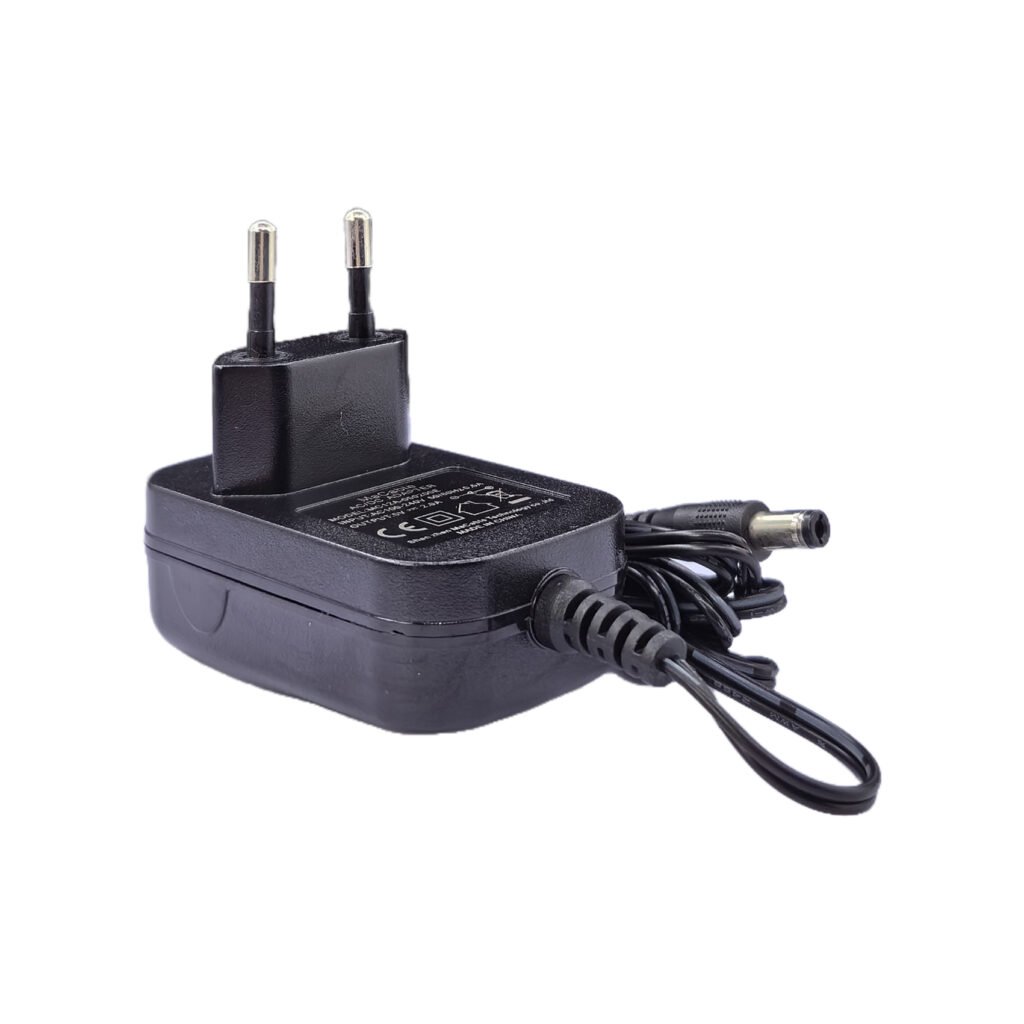
Security devices commonly use several voltage levels:
| Voltage / Power Type | Common Security Use | Selection Notes |
|---|---|---|
| 3V DC | Small wireless sensors, low-power modules, battery-replacement devices | Check polarity, low current demand and connector type carefully |
| 5V DC | USB-powered sensors, small cameras, gateways, control boards | Confirm whether USB output or DC barrel output is required |
| 6V DC | Small security modules, legacy sensors, low-voltage accessories | Often needs careful connector and polarity confirmation |
| 12V DC | CCTV cameras, alarm panels, small access control devices | Very common, but cable voltage drop must be checked |
| 24V DC | Access control, electric locks, controllers, larger security systems | Better for longer cable runs in some installations |
| PoE | IP cameras, wireless access points, VoIP and network security devices | Confirm PoE standard, wattage and cable distance |
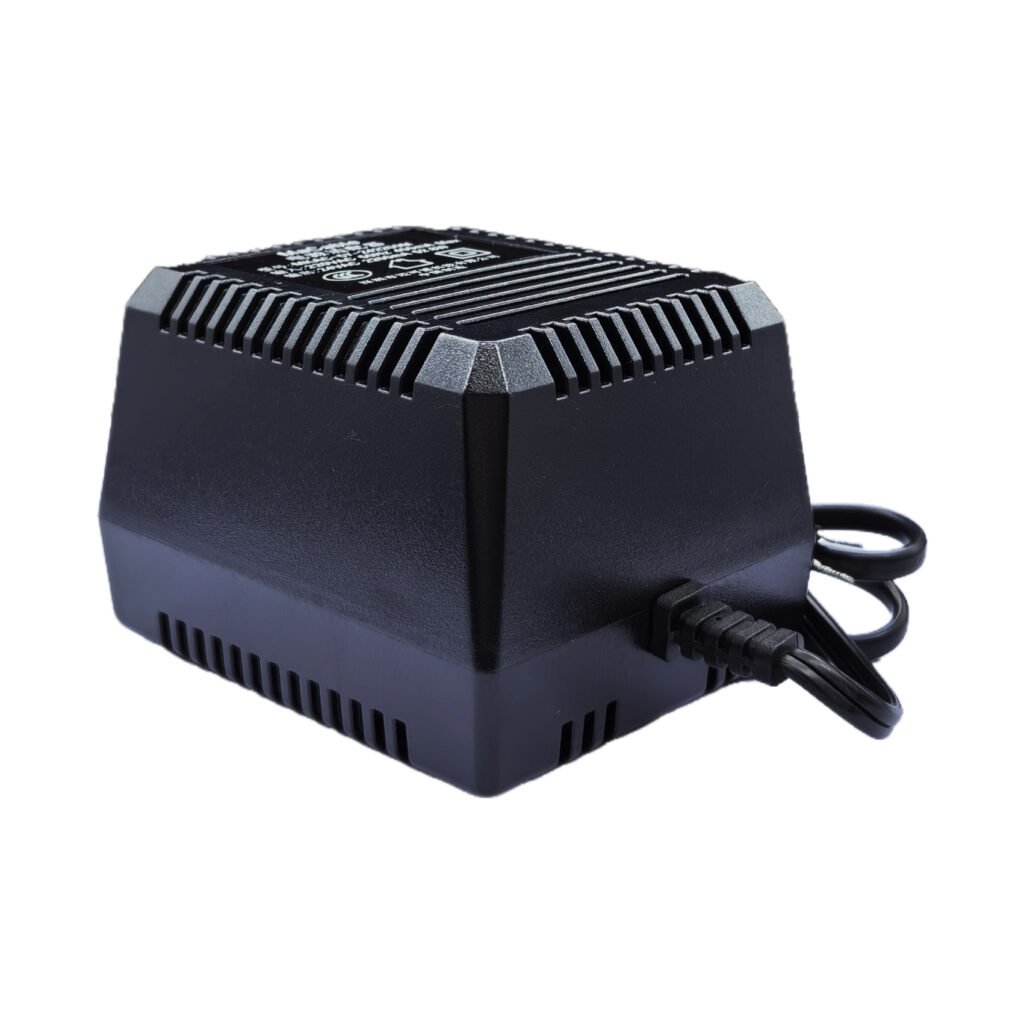
For external low-voltage devices, an AC/DC power adapter is usually selected by output voltage, rated current, plug type, DC connector and certification. For system-level installations with multiple cameras, locks or alarm devices, a security power supply may be more suitable when centralized distribution is required.
3. Calculate current and leave enough margin
Current capacity should be higher than the actual load. A power supply does not force its full rated current into the device. The device only draws what it needs, as long as the voltage is correct. The risk comes when the total load needs more current than the supply can provide.
For many security installations, leaving 20–30% reserve capacity is a practical starting point. More margin may be needed for long cable runs, outdoor boxes, hot environments, night-vision cameras, electric locks or future system expansion.
Example calculation for a small CCTV and access control system:
| Device | Quantity | Current per Unit | Total Current |
|---|---|---|---|
| 12V CCTV camera | 4 | 0.8A | 3.2A |
| Access control reader | 2 | 0.3A | 0.6A |
| Alarm module | 1 | 0.5A | 0.5A |
| Small relay device | 2 | 0.2A | 0.4A |
| Total working current | - | - | 4.7A |
In this example, a 12V 5A power supply is too close to the actual load. A 12V 6A or 12V 8A model gives better reserve capacity, especially if cameras switch to infrared mode at night or the installation environment is warm.
4. CCTV cameras: pay attention to infrared night mode
CCTV cameras often have different power behavior during daytime and nighttime operation. During daytime, the camera may use only its basic electronics. At night, infrared LEDs turn on and the current draw may increase. If the power supply has no reserve capacity, the camera may reboot, flicker, lose video signal or disconnect from the system.
This is more common when several cameras share one centralized supply. The total current may be acceptable during testing, but once all cameras enter night mode, the supply becomes overloaded or voltage at the camera side drops below the required level.
For CCTV projects, confirm the following before selecting the power supply:
- Camera input voltage, usually 12V DC or PoE
- Normal current and infrared night-mode current
- Number of cameras powered by the same supply
- Cable length from power source to each camera
- Indoor or outdoor installation environment
- Whether backup power is required
5. Access control systems: check lock current and peak load
Access control systems may include controllers, card readers, exit buttons, magnetic locks, electric strikes, relays and alarm outputs. The power demand is not always constant. Electric locks and magnetic locks may require higher current during activation or holding. If several doors operate at the same time, the peak load can be much higher than the normal load.
A weak power supply can cause slow lock response, door release failure, controller reset or false alarm signals. For this reason, access control power selection should include both normal current and peak current.
For 24V access control systems, cable loss may be easier to manage than 12V in some longer runs, but the device voltage must still match exactly. A 12V lock should not be connected to a 24V supply unless the lock is rated for that voltage.
6. PoE power supply: confirm standard, wattage and cable distance
PoE systems use network cables to carry both power and data. This is common for IP cameras, wireless access points, VoIP phones and network security devices. However, PoE is not just “power through Ethernet.” The standard, output power and compatibility must be checked.
Before choosing a PoE power adapter, confirm whether the device requires standard PoE such as IEEE 802.3af or 802.3at, or whether it uses passive PoE. Standard PoE and passive PoE should not be mixed without checking device requirements.
| PoE Item | What to Confirm | Why It Matters |
|---|---|---|
| PoE type | Standard PoE or passive PoE | Wrong type may prevent operation or damage the device |
| Power level | Device wattage and PoE adapter capacity | Insufficient wattage causes unstable performance |
| Network speed | 10/100M or Gigabit requirement | Affects camera and network performance |
| Cable distance | Total cable length and cable quality | Long runs may affect both power and data reliability |
7. When 3V, 5V or 6V adapters are suitable
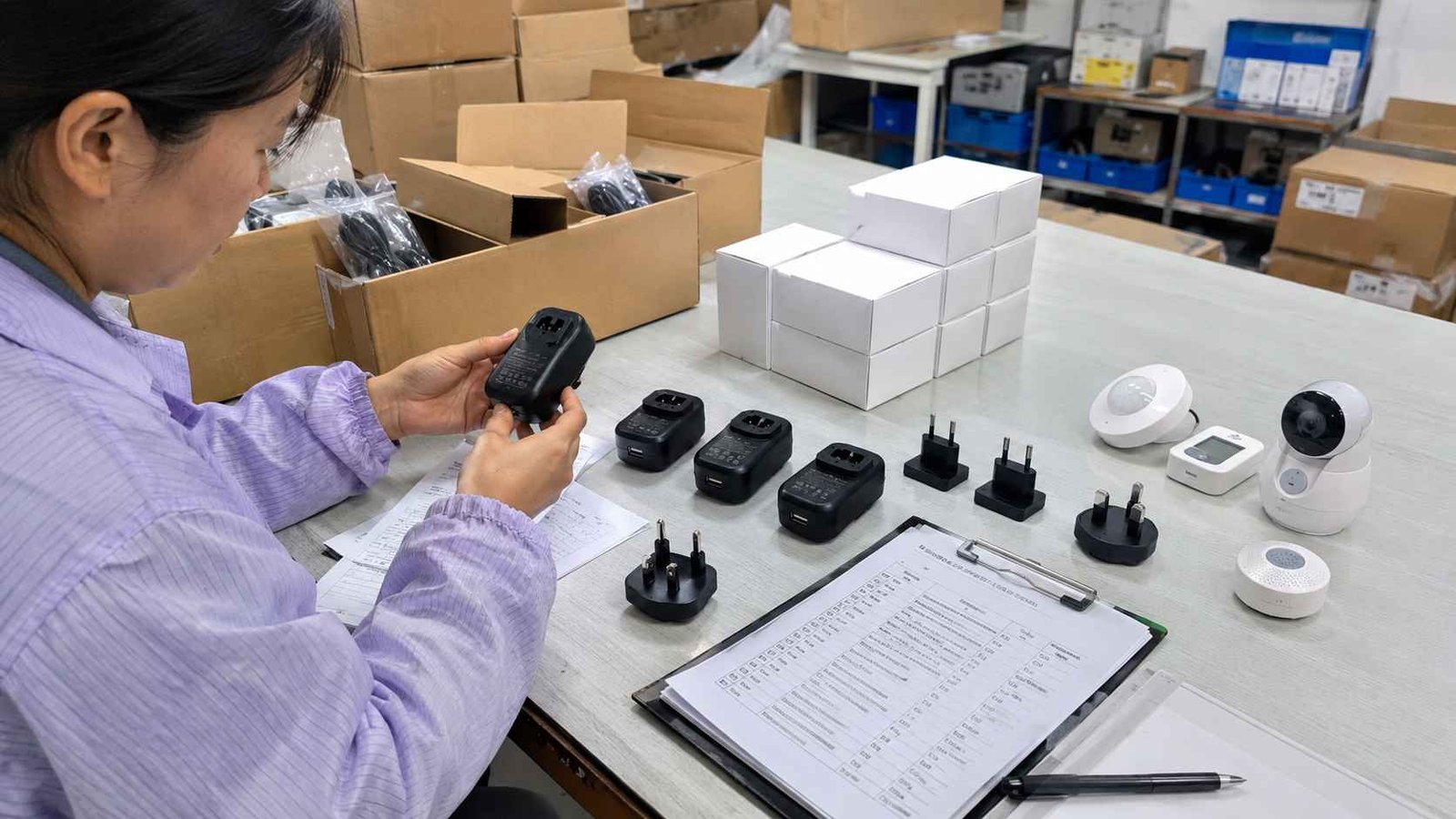
3V, 5V and 6V adapters are not the main power choice for most CCTV systems, but they are still used in many small security devices. These may include wireless sensors, compact alarm accessories, small gateways, embedded control boards, mini cameras, battery-replacement devices and low-power modules.
This is where a 3–6V adjustable or multi-voltage adapter may be useful, but only when the output voltage can be set correctly and safely. The buyer should not assume that one adapter can power every small device. Voltage, current, connector size and polarity must still be checked one by one.
| Small Device Type | Common Voltage | Selection Focus |
|---|---|---|
| Wireless sensor | 3V or 5V | Low standby current, connector type, polarity |
| Small control board | 5V | Stable output, ripple, connector or USB type |
| Compact alarm accessory | 5V or 6V | Correct voltage and enough current margin |
| Battery replacement device | 3V or 6V | Exact voltage and safe connection method |
For these low-voltage devices, the main risk is not only insufficient power. Wrong polarity, poor connector fit or unstable low-voltage output can also cause failure.
8. Cable length and voltage drop in security installations
Cable voltage drop is one of the most common power problems in security projects. The power supply may output the correct voltage at its terminal, but the device may receive a lower voltage after power travels through a long cable.
This problem becomes more serious when the cable is thin, the distance is long, the current is high or multiple devices share the same line. A 12V camera at the end of a long cable may receive less than the required voltage, especially when infrared LEDs turn on.
To reduce voltage drop, installers may use thicker cable, shorter runs, higher-voltage distribution where suitable, local power adapters near each device or a properly designed centralized supply. The correct method depends on the system layout and device requirements.
9. Centralized power supply or individual adapter?
Both centralized power supplies and individual adapters are used in security installations. The right choice depends on the project size, wiring layout, maintenance preference and power distribution method.
| Power Method | Advantages | Limitations |
|---|---|---|
| Centralized security power supply | Cleaner management, easier backup design, suitable for multiple devices | Requires careful cable distance and load calculation |
| Individual power adapter | Simple replacement, shorter low-voltage cable path, flexible installation | More adapters, more outlets, less centralized control |
| PoE power supply | Power and data through one cable, easier network camera deployment | Must match PoE standard, wattage and cable requirements |
For small installations, individual adapters may be practical. For multi-camera systems, access control rooms or alarm panels, centralized power distribution may make maintenance easier. For IP cameras and network devices, PoE can reduce wiring complexity if the power standard and total wattage are correctly selected.
10. Connector, polarity and cable details
Many power supply samples fail because the electrical rating is correct but the physical details are wrong. A 12V 2A adapter may match the device on paper, but it cannot be used if the DC plug size, polarity or cable length is incorrect.
Before approving a power supply sample, confirm these details:
- DC plug size, such as 5.5 × 2.1 mm or other required dimensions
- Center-positive or center-negative polarity
- Cable length and wire gauge
- Plug type for the destination market
- Desktop, wall-mount or interchangeable plug structure
- Label content, model number and safety marks
- Packaging and user instruction requirements
For security installers and device manufacturers, confirming these details before sample approval can prevent repeated testing delays and wrong-batch production.
11. Protection, heat and reliability checks
A security power supply may run continuously for long hours, so protection and heat performance should not be ignored. The power supply should be checked for short-circuit protection, overload protection, over-voltage protection and over-temperature protection.
Heat is especially important in closed cabinets, wall boxes, ceiling spaces and outdoor enclosures. A power supply operating near its full load in a hot enclosure may fail earlier than expected. If the installation has poor airflow or high ambient temperature, more power margin and a better heat design are required.
| Reliability Item | What to Check | Why It Matters |
|---|---|---|
| Short-circuit protection | Response during wiring faults | Important during installation and maintenance |
| Overload protection | Behavior when load exceeds rating | Reduces overheating and shutdown risk |
| Over-voltage protection | Control of abnormal output voltage | Protects cameras, controllers and sensors |
| Thermal design | Case temperature and ventilation condition | Affects long-term reliability |
| Output stability | Ripple, noise and voltage regulation | Important for sensitive control boards and cameras |
12. Certification and target market requirements
For device manufacturers, importers and project suppliers, certification requirements should be checked before sample approval. A power supply that works electrically may still be unsuitable if it does not meet the target market’s safety, EMC, energy efficiency or labeling requirements.
Depending on the destination market and product type, buyers may need to confirm CE, UL, FCC, UKCA, RoHS, IEC 62368-1, energy efficiency level, plug standard or local labeling requirements. For medical-related security or monitoring devices, additional medical safety requirements may apply, and a medical power supply may be required as part of the whole device compliance plan.
Certification should not be treated as an after-sales document. It affects model selection, label design, packaging, customs clearance and final product compliance.
13. Security power supply selection checklist
Before requesting a quotation or approving a sample, prepare the following information:
| Information to Confirm | Details to Provide |
|---|---|
| Device type | CCTV camera, IP camera, access control lock, reader, alarm module, sensor or gateway |
| Input voltage | 3V, 5V, 6V, 12V, 24V or PoE |
| Current requirement | Normal current, peak current and total load |
| Power method | Individual adapter, centralized power supply or PoE |
| Cable condition | Cable length, wire gauge and installation distance |
| Connector | DC plug size, polarity, terminal type or RJ45 PoE connection |
| Environment | Indoor, outdoor, cabinet, wall box, ceiling space or high-temperature location |
| Compliance | CE, UL, FCC, UKCA, RoHS, IEC 62368-1 or other required standards |
| Order details | Sample quantity, estimated quantity, label, packaging and OEM/ODM requirements |
Conclusion
The right power supply for a security system is selected from the full installation condition, not from voltage alone. CCTV cameras may require extra current during infrared night mode. Access control locks may create peak current during activation. PoE devices must match the correct standard and wattage. Small 3V, 5V and 6V devices need careful connector, polarity and output stability checks. Long cable runs, heat, protection design and certification requirements all affect the final selection.
Macable supplies power adapters, PoE power adapters and security power supplies for CCTV cameras, access control devices, alarm modules, small sensors and other low-voltage security equipment. Buyers can send device type, input voltage, current requirement, cable length, connector details and target market information for suitable model recommendation and OEM/ODM quotation.
FAQ
What voltage is most common for CCTV cameras?
Many analog and basic CCTV cameras use 12V DC, while many IP cameras use PoE. Some systems may use 24V or other voltage levels, so the camera label or technical datasheet should always be checked before selecting a power supply.
Why does a CCTV camera reboot at night?
A common reason is insufficient power during infrared night mode. When IR LEDs turn on, the camera may draw more current. If the power supply has no margin or the cable has too much voltage drop, the camera may reboot or lose signal.
How much power margin should a security power supply have?
A 20–30% reserve margin is a practical starting point. More margin may be needed for long cable runs, hot enclosures, infrared cameras, electric locks, alarm sirens or systems with future expansion.
Is a centralized power supply better than individual adapters?
It depends on the installation. Centralized power supplies are useful for multi-device systems and easier power management, but cable voltage drop must be calculated. Individual adapters are simpler for small installations or when each device is located near an outlet.
What should I check before choosing a PoE power adapter?
Check whether the device requires standard PoE or passive PoE, then confirm output wattage, network speed, cable distance and compatibility with the powered device. Standard PoE and passive PoE should not be mixed without verification.
What causes voltage drop in security power cables?
Voltage drop is caused by cable resistance. It becomes more serious when the cable is long, the wire gauge is thin or the device current is high. Voltage should be checked at the device side, not only at the power supply terminal.
Which power supply is suitable for access control locks?
The correct power supply depends on the lock voltage, holding current, activation current, number of doors and cable distance. Electric strikes and magnetic locks may require higher peak current than small readers or controllers.